SEO
How to get your Shopify products recommended by ChatGPT and other AI assistants
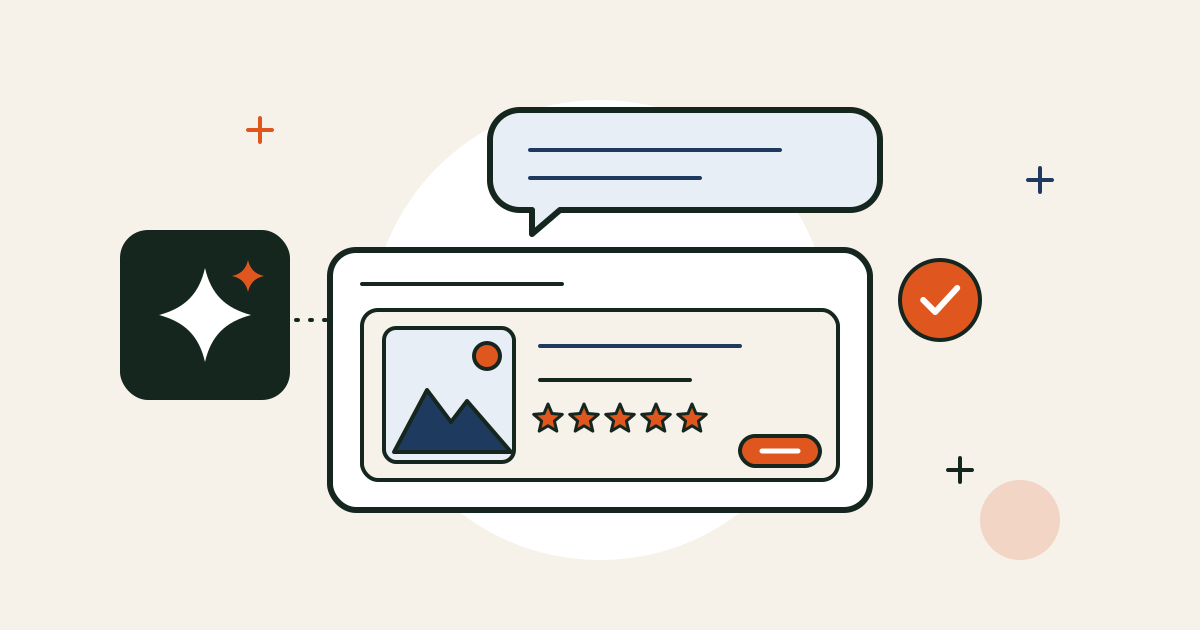
More and more shoppers skip the search results and simply ask: “What’s a good linen shirt under £100?” or “Which candle brands use natural wax?” ChatGPT, Microsoft Copilot and Google’s AI Mode answer with a few products and links.
In the UK, the purchase itself still happens on your store: the AI recommends, the shopper clicks through, and your product page does the rest. So the question for a Shopify store is simple: when an AI assistant looks for products like yours, can it find them, and does it understand them?
There’s no secret trick, whatever Instagram tells you. Almost everything below is good SEO and good product pages, just more important than it used to be.
How AI assistants find products
They mostly use three routes:
- Reading your public pages. OpenAI has its own crawler, OAI-SearchBot, which reads websites so they can appear in ChatGPT’s search answers.
- Search engines. AI answers often lean on Google’s and Bing’s indexes, so pages they don’t know about are hard to recommend.
- Shopify’s own product feed. Shopify’s Agentic Storefronts shares eligible stores’ products with AI channels such as ChatGPT and Copilot directly from your admin. It started with US stores and is still rolling out.
1. Let the AI crawlers in
Open yourstore.com/robots.txt. Shopify’s default file doesn’t block OAI-SearchBot, but some apps, custom edits and bot-blocking settings in services like Cloudflare do. OpenAI says sites that block OAI-SearchBot won’t appear in ChatGPT’s search answers.
If you don’t want your content used to train AI models, that’s a different crawler (GPTBot). You can block that one and still allow OAI-SearchBot.
2. Check Shopify’s AI channel settings
In your Shopify admin, look for Agentic Storefronts (Shopify has moved it around, so search the admin for “Agentic”). If you see it, check which AI channels are switched on. If you don’t, it hasn’t reached your store yet. Nothing to fix, just check again later.
3. Make sure Google and Bing know your store
Set up Google Search Console and Bing Webmaster Tools (you can import your site from Search Console in a couple of clicks), and submit your sitemap, yourstore.com/sitemap.xml, to both. Then check that your main products and collections are actually indexed.
4. Add proper structured data
Structured data is a hidden label on each product page that says this is the price, this is the stock status, these are the reviews. Search engines use it, and it makes your products far easier for any machine to read correctly. I’ve written a whole post on structured data for Shopify, including how to check what your theme already does.
5. Write product pages that answer questions
AI assistants match products to questions, so give them the answers in plain words:
- A clear product title. “Women’s linen overshirt, oatmeal” beats “The Ellie”.
- The facts people ask about. Material, size and fit, who it’s for, how to care for it, what’s in the box.
- Delivery and returns on the page, not only in a policy link.
These are the same details that help a real visitor decide, which is why this work pays off twice.
6. Keep prices, stock and delivery accurate
An assistant that recommends something sold out or at the wrong price won’t do it for long. Keep your product data tidy, and if you sell through Google, connect the Google & YouTube channel so Merchant Center always has your current prices and stock.
7. Collect reviews and show them
When someone asks for “the best” of anything, reviews and ratings carry a lot of weight. Make sure your reviews app shows ratings on product pages and includes them in the structured data. More in my post on customer reviews for Shopify.
The product page still has to sell
Here’s the part most “AI optimisation” posts skip. Even when an AI recommends you, the shopper lands on your product page and decides there. If it’s slow on a phone, hides the delivery costs or buries the Add to basket button, the recommendation is wasted.
So treat AI as one more way people arrive, and make sure the page they land on is ready for them. My Shopify Conversion Checklist covers the 25 things I check first.
Want a second pair of eyes on your store? Book a free 20-minute intro call and I’ll tell you honestly where it’s losing sales, and where I’d start.