Florists
SEO for florists: how to get found on Google
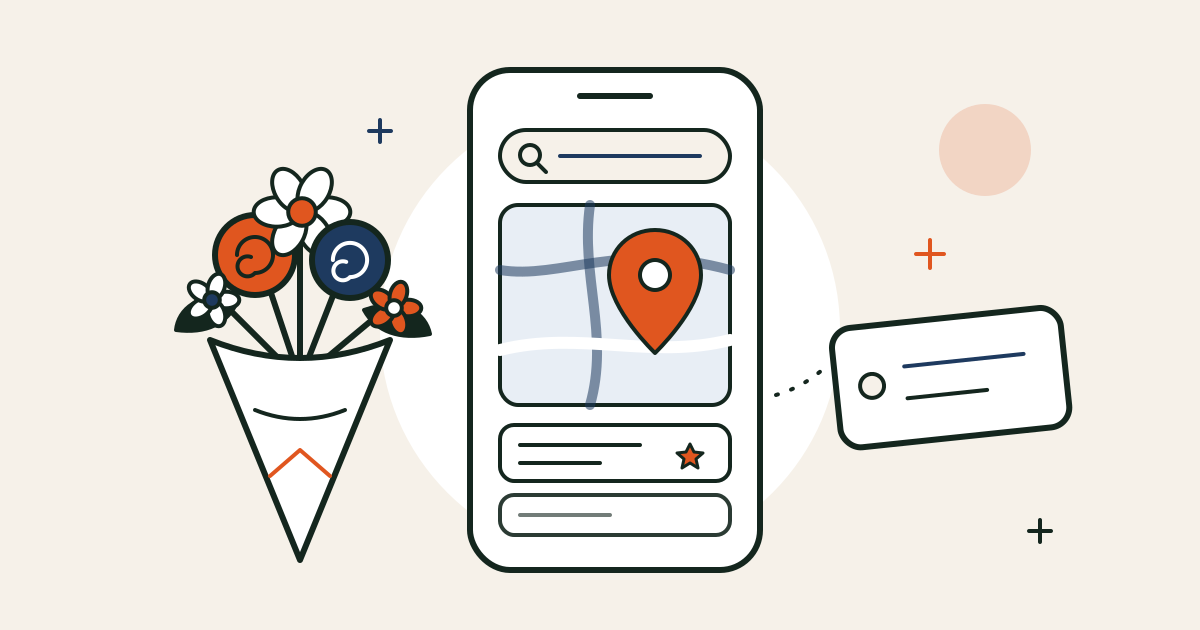
When someone needs flowers, they rarely type your shop’s name. They search for “florist near me”, “flower delivery Clapham” or “same day flowers Islington” — usually on a phone, often in a hurry.
There are two places to show up for those searches:
- The map results — the three shops with a map at the top. These come from your Google Business Profile.
- The normal results below — these come from your website.
You want to be in both. Here’s how, in order of what usually makes the biggest difference.
1. Get your Google Business Profile right
For local searches, this is the single most important thing — and it’s free.
- Category: set your main category to Florist. Add others only if they’re true, like Wedding service or Flower delivery.
- Service area: if you deliver, add the areas you actually cover. If customers can visit, show your address too.
- Hours, including holiday hours: set special hours for Christmas, Valentine’s Day and Mothering Sunday. Wrong hours on a busy day cost orders and reviews.
- Photos: add new ones every week or two — real arrangements, the shop, your team. Recent photos show Google (and customers) that you’re active.
- Products and posts: add your best sellers with prices, and post before each big date (“Valentine’s orders now open — order by the 12th”).
- Website link: point it at your homepage, or a page for your main area.
2. Ask for reviews, every week
Reviews help your map ranking and they’re what people read before they choose. The trick is to ask at the right moment, when the flowers have just arrived:
- a QR code on the card in every bouquet, linking to your review page,
- a line in your thank-you email a few days after delivery,
- a reply to every review, good or bad — briefly, and in your own words.
Never buy reviews or write your own: fake reviews are banned under UK consumer law, and Google removes them. If you’d also like reviews on your website, I’ve compared the review apps for Shopify.
3. Create a page for each area you really deliver to
If you deliver to Clapham, Battersea and Brixton, a page for each — like /pages/flower-delivery-clapham — helps you show up for “flower delivery Clapham”.
But each page must be genuinely useful, not the same text with a different place name. Google treats copy-and-paste area pages as spam. Include things only you can say:
- your cut-off time and delivery price for that area,
- the postcodes you cover,
- local places you deliver to often — hospitals, wedding venues, offices,
- a few real photos of orders delivered there, and maybe a review from a customer nearby.
Start with your two or three busiest areas. Three good pages beat thirty thin ones.
4. Name products and collections the way people search
People don’t search for “The Juliet”. They search for “birthday flowers”, “sympathy flowers” or “peonies delivered London”. So:
- Make collections for occasions: Birthday, Anniversary, Sympathy, New baby, Valentine’s Day, Mother’s Day. Each one is a page that can rank.
- Write page titles that say what and where: “Seasonal hand-tied bouquet | Same-day delivery in Clapham” works harder than “The Juliet”. In Shopify, you’ll find this under Search engine listing at the bottom of each product and collection.
- Write your own descriptions. Supplier text appears on dozens of other sites. A few honest sentences about the flowers, the size and how long they last are better.
- Add alt text to photos, for example “pink peony and rose bouquet in kraft paper”. It helps Google Images and people using screen readers.
5. Keep your seasonal pages live all year
Many florists create a new Valentine’s page every January and delete it in March. That throws away everything it earned. Instead, keep one Valentine’s collection at the same address — say /collections/valentines-day-flowers — and just update the products each year. It builds up links and trust over time, and it’s ready to rank before the rush.
The same goes for Mother’s Day and Christmas.
6. Get mentioned by local websites
Links from other websites still matter, and local ones are the most natural for a florist:
- Wedding venues and planners often have a “recommended suppliers” page — ask to be on it.
- Local business groups, high-street associations and markets.
- Local news and blogs — a story about your shop, a workshop or a charity bouquet.
- Businesses you work with, like cafés, hotels or offices with a weekly flower order.
Make sure your shop name, address and phone number are written the same way everywhere they appear.
7. Keep the technical side tidy
Shopify handles most of the technical basics for you, but a few things are worth checking:
- Speed on a phone. Big images and unused apps slow you down. Here are quick speed wins for Shopify.
- Structured data, which lets Google show your prices and star ratings in search results. I’ve explained how to check it on Shopify.
- Redirects when you rename or delete a product. Shopify can create one automatically when you change a product’s URL — make sure the box is ticked.
- Google Search Console. It’s free. Add your shop, submit yourshop.co.uk/sitemap.xml, and you’ll see which searches you appear for.
What not to bother with
- Long lists of area names in your footer. It doesn’t help, and it looks spammy.
- Buying links or “SEO packages” that promise page one. Nobody can promise that, and bad links can hurt you.
- Chasing a big national search like “flowers”. You’re competing with national brands. “Flower delivery [your area]” is where you can win.
How long it takes
Changes to your Google Business Profile and reviews can start helping within a few weeks. Website changes are slower — usually a few months before they show fully. That’s why it’s worth starting well before Valentine’s Day and Mother’s Day, not the week before.
A quick checklist
- Is my Google Business Profile category Florist, with correct holiday hours?
- Have I added photos in the last two weeks?
- Am I asking every customer for a review?
- Do I have a useful page for each of my main delivery areas?
- Do I have collections for birthdays, sympathy and the big dates?
- Do my page titles say what I sell and where?
- Are my seasonal pages at the same address every year?
- Is my shop in Google Search Console?
Want a second pair of eyes? Send me your link below and we’ll go through your shop, and how it shows up on Google, on a free intro call.